Type and we'll find what's right for you right away 😉
No results found...
If you need help, contact us 😊
You have more than one purchase in progress. Choose which checkout to continue.
Prepare artwork at the real size chosen in the configurator. This guide adapts the DTF technical sheet to the current Standard and Large print areas.
This guide covers DTF printing on garments. For applying DTF transfers purchased on a roll, see the application instructions. Simple instructions for applying DTF transfers →
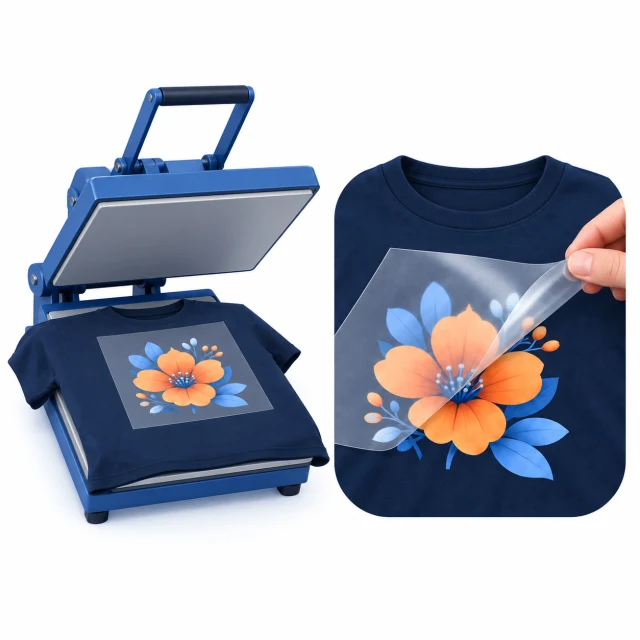
Artwork is printed on a film and heat-pressed onto the garment. The film is then removed. This method supports bright colours and fine, complex detail.
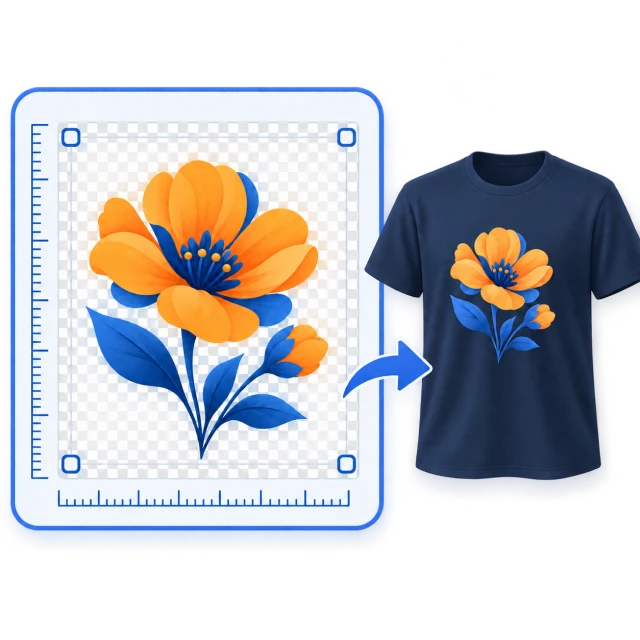
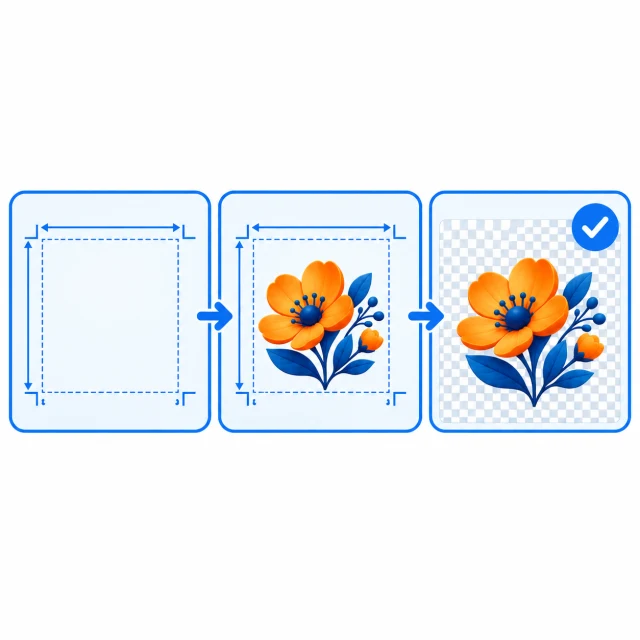
Send a PDF, PNG or TIFF at 1:1 scale. Keep the background transparent if it should not print. Remove template borders, measurements and centre marks from the final file.
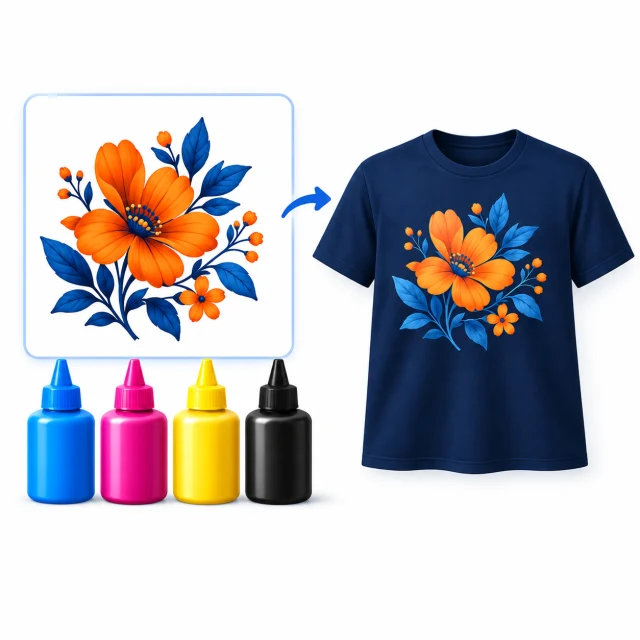
Prefer CMYK with the Fogra 27 profile. RGB or Pantone colours may be converted, and the result on fabric may differ from the screen.
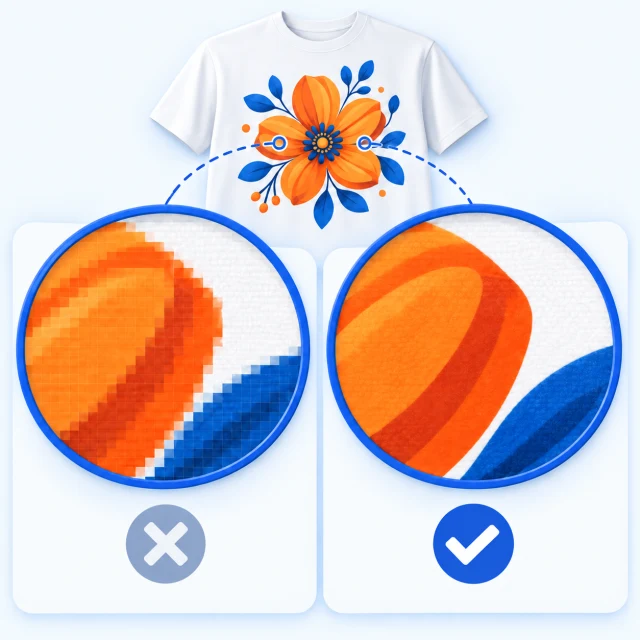
Aim for 300 dpi at the final size. Avoid going below 250 dpi for raster images; enlarging a small image does not add detail.
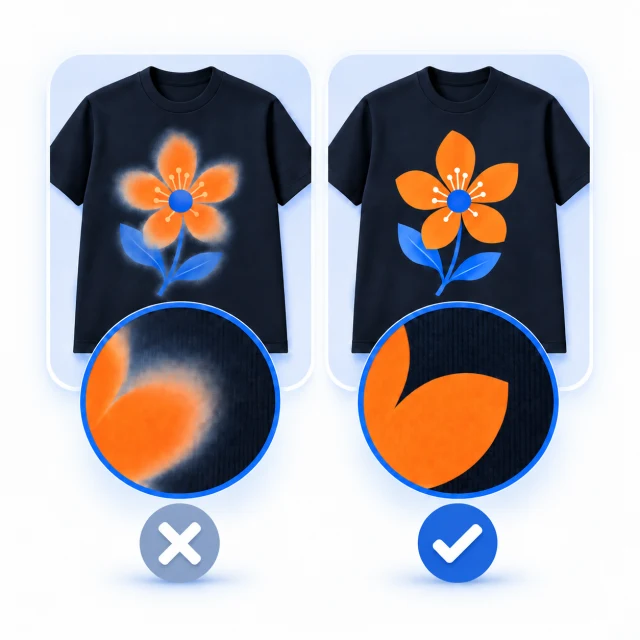
Avoid very light transparency and soft translucent edges: DTF may lose detail there or require a white underbase. Do not create a separate technical white layer.
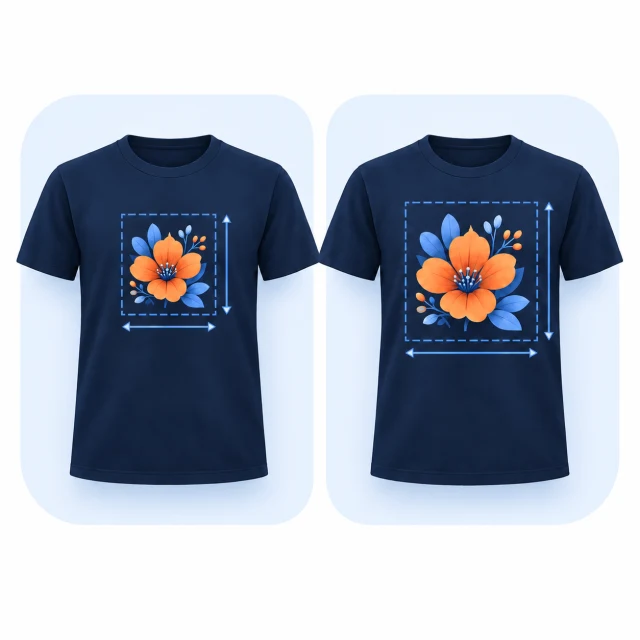
Standard is up to 28 × 40 cm. Large is up to 35 × 42 cm for the surcharge shown in the configurator, only on compatible garments and positions. Sleeves and small areas have their own limits.
Each PDF template has a page at the exact stated size. Add your artwork, then remove the border, dimensions and centre mark before sending the file. Large is available only when the configurator offers it for the garment and print position.





 Customer Service

