Burger Print

Type and we'll find what's right for you right away 😉

No results found...

If you need help, contact us 😊

Personalised trousers

Choose personalised trousers for a coordinated outfit or your brand. Start with waist, length and leg cut, then check the available logo areas away from pockets and seams.

Men Men Women Women Children Children
The right style for your project

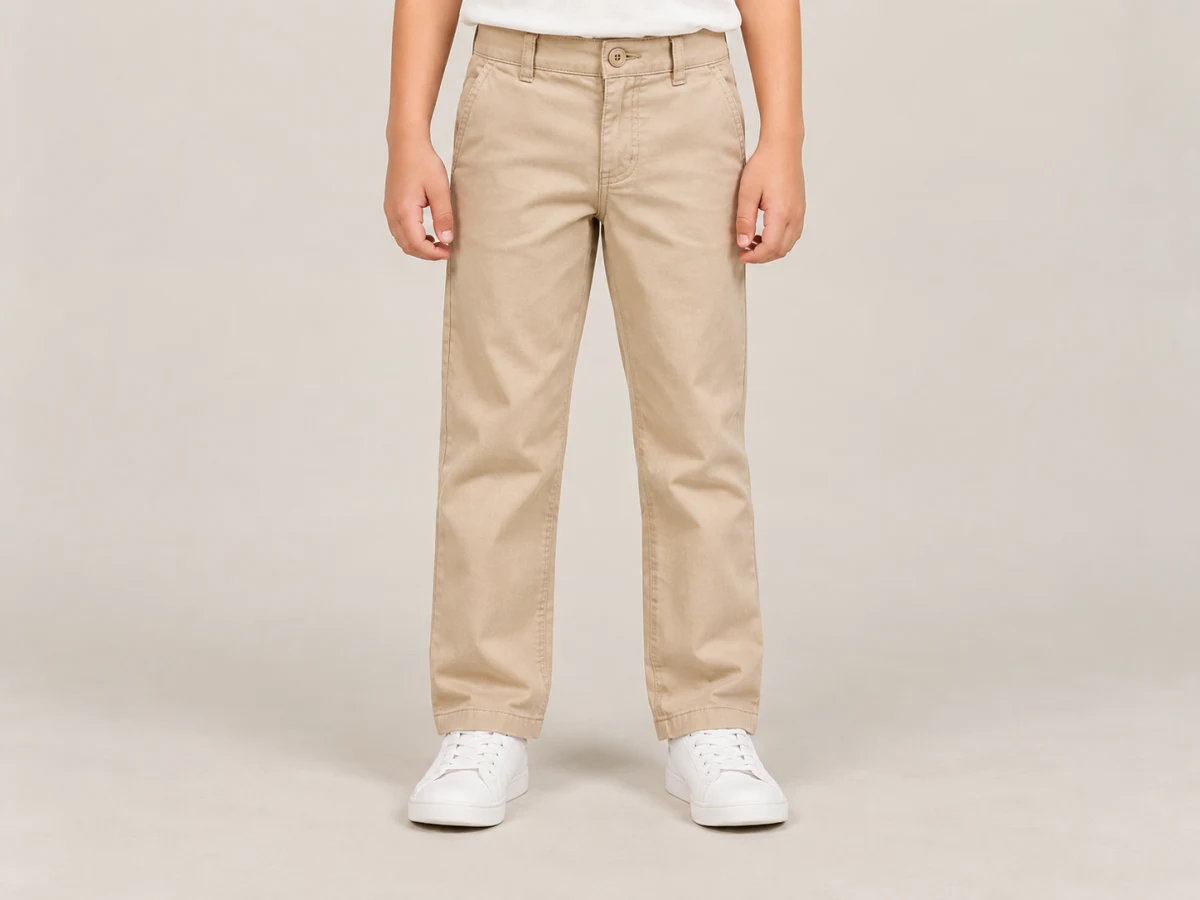
Choose trousers by fit and freedom of movement

Compare the waist, leg length and inside fabric. Sports shorts and everyday trousers need different assessments.

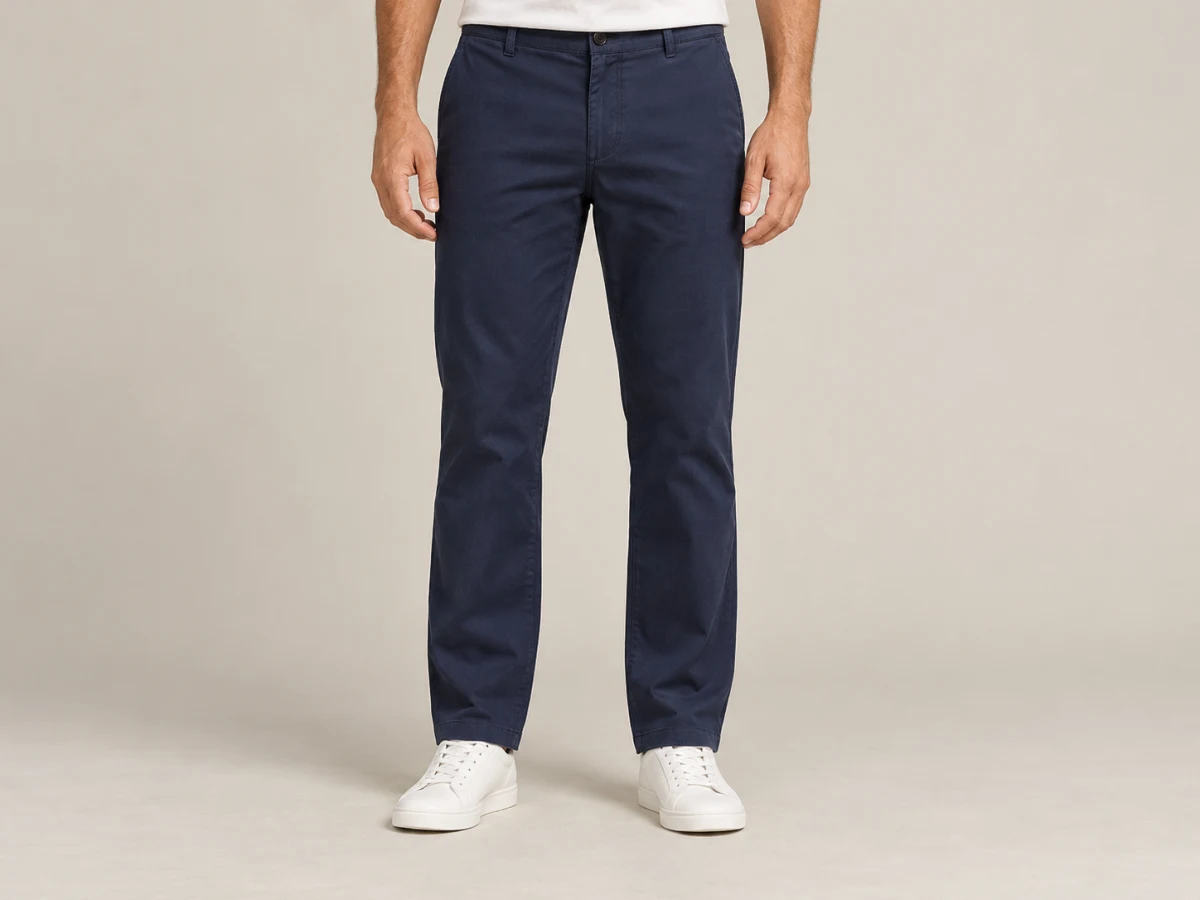
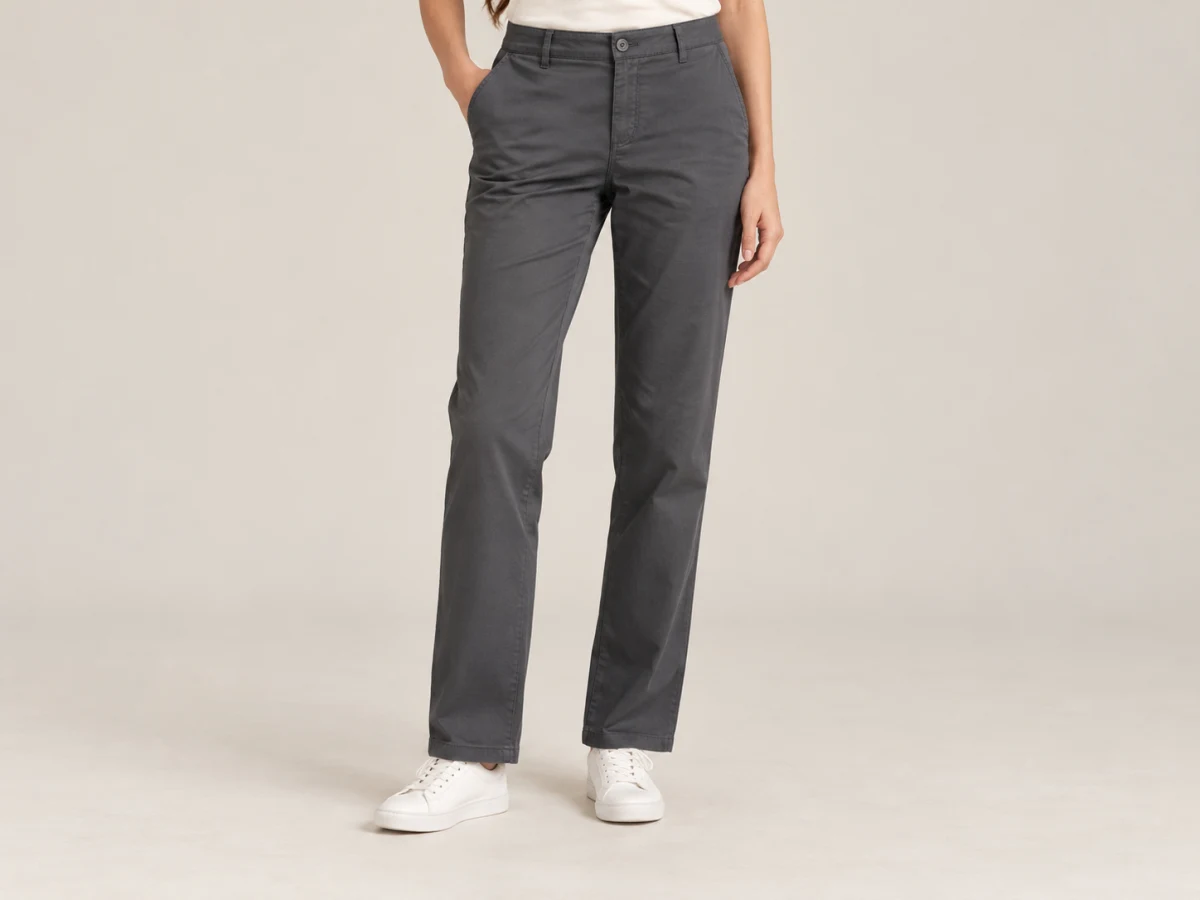
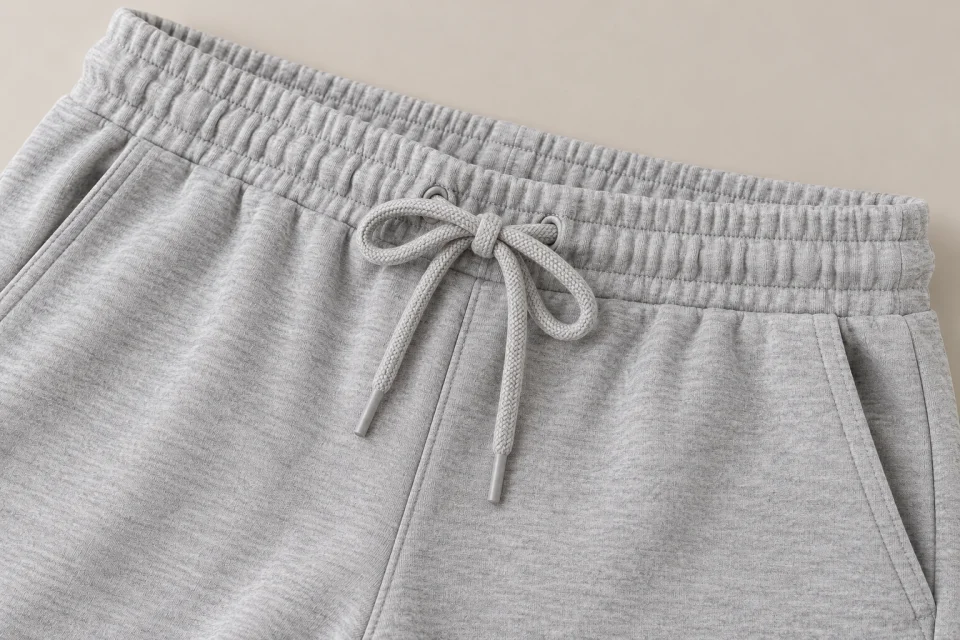
Waist and fit details on neutral trousers

Waist and fit

Elastic, drawcords and fastenings change waist adjustment. Check measurements and cut rather than assuming the same size fits identically across styles.

Check: Waist and style measurements.
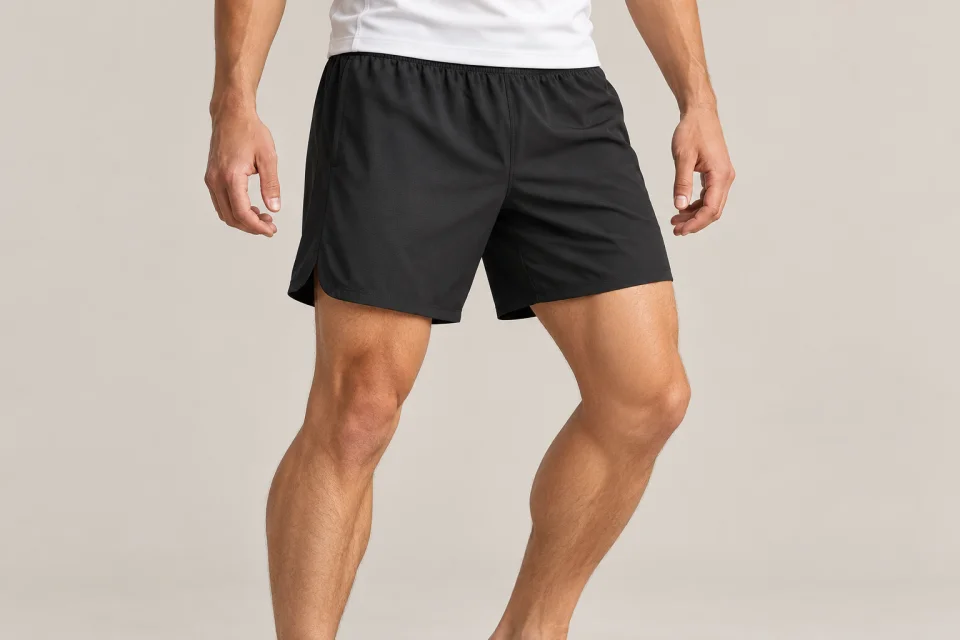
Black sports shorts with focus on cut and movement

Shorts for sport

For training and team activities, compare sports shorts by length, cut and fabric. Check declared properties and the positions available for your team logo.

Check: Length, leg opening and freedom of movement.
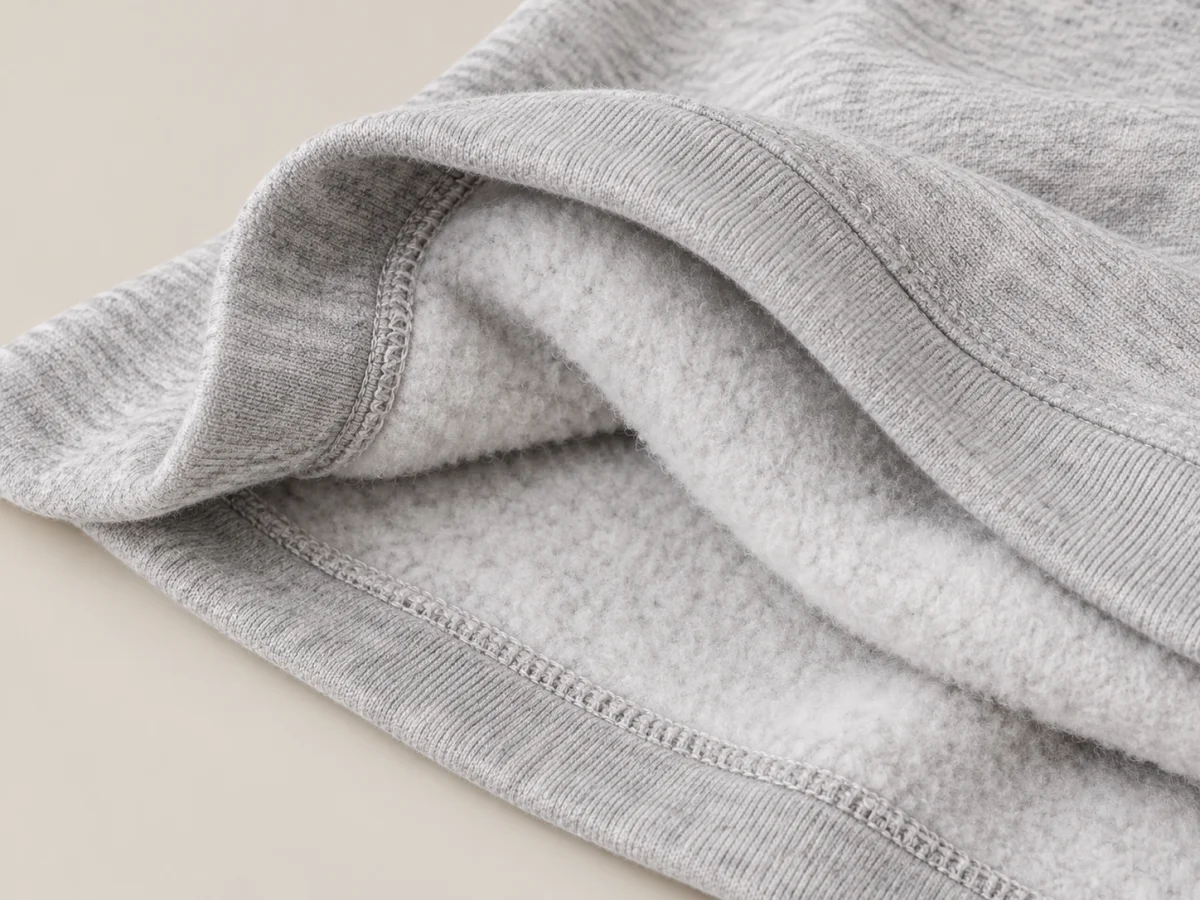
Comparison of brushed and loopback trouser fabric

Brushed or unbrushed inside

A brushed inside has a soft, fluffy surface; an unbrushed inside may have a loopback structure. Compare composition and weight together with the trousers' intended use.

Check: Inside construction, composition and fabric weight.
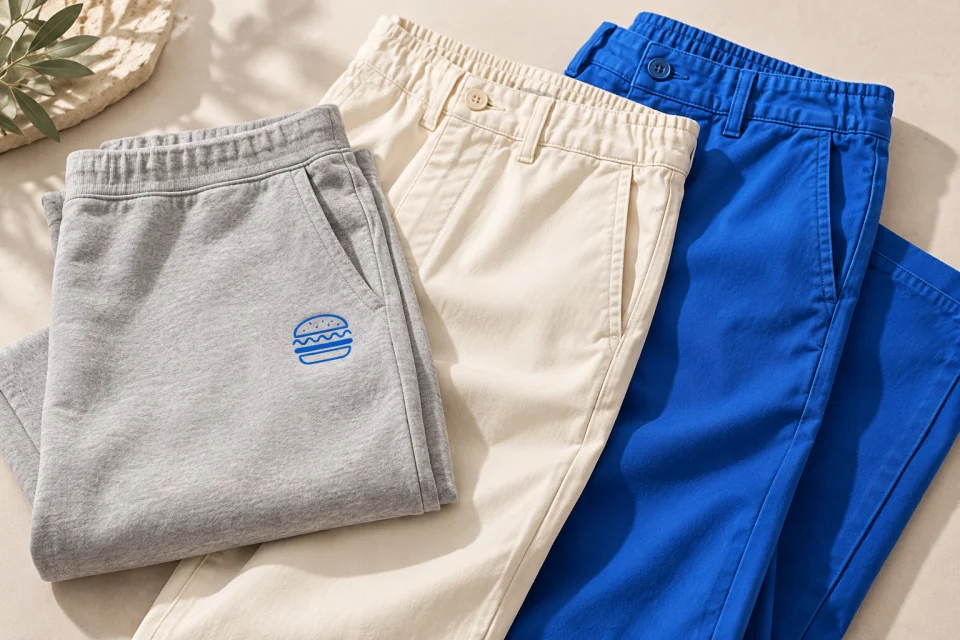
Illustrative coordinated outfit with personalised trousers
An idea for your personalised team clothing.
From garment to your design

Carry the coordinated look through to the trousers

Trousers and tops can share a brand without identical graphics. A compact leg logo, where available, can complement a sweatshirt logo: compare colours, fabrics and proportions across the outfit. 👖

  • Compare waist and leg measurements.
  • Check the logo against pockets and seams.
  • Match colours and fabrics with the top.
Choose a style in the catalogue

Ready to personalise your pair of trousers?

Compare the waist, leg length and inside fabric. Sports shorts and everyday trousers need different assessments. Choose sizes, colours and quantities, then configure the available decoration. ✨

Choose your technique

Printing and embroidery on trousers

Trousers offer different logo areas from tops. Review leg construction, pockets and available dimensions before choosing a technique.
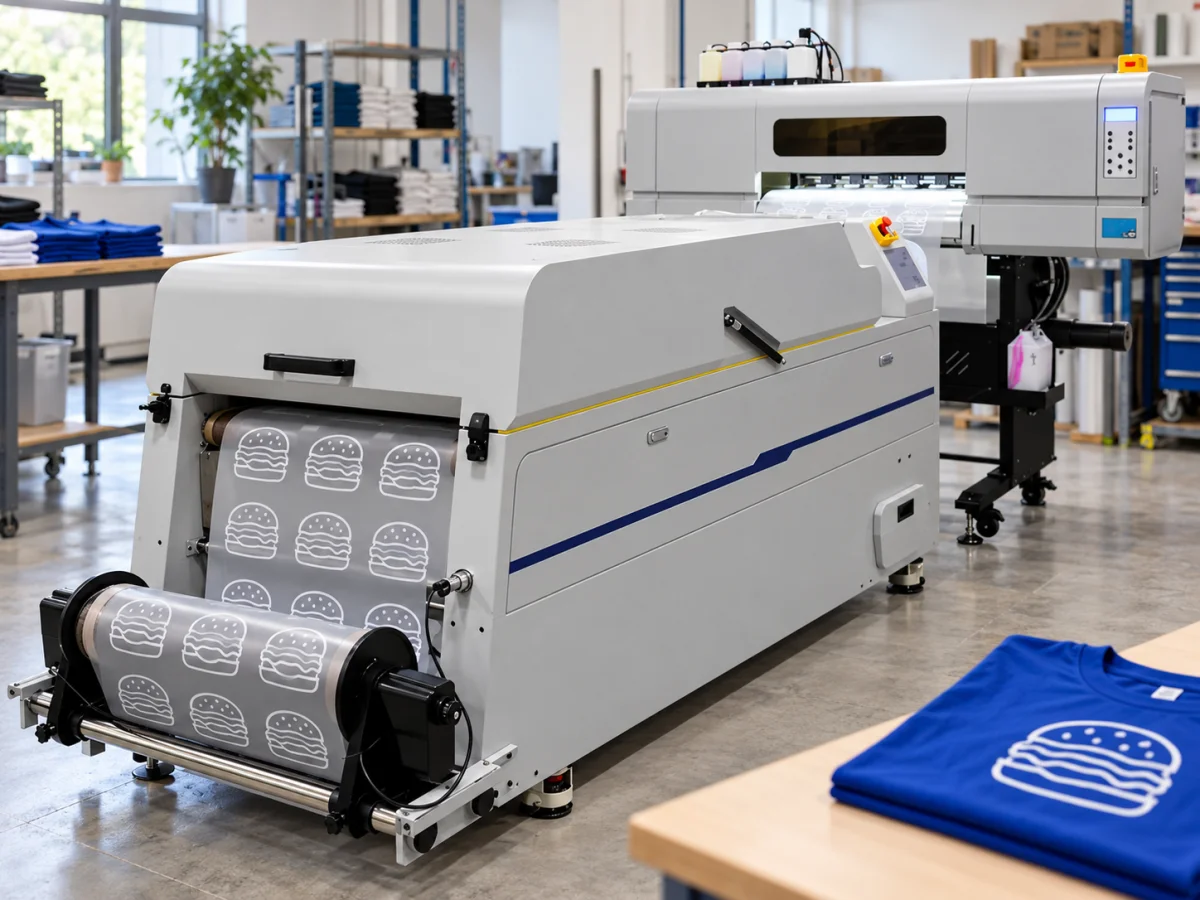
DTF

DTF

Size DTF leg artwork to the available trouser area. Check pockets, seams and proportions on the smallest sizes.

DTF artwork guide
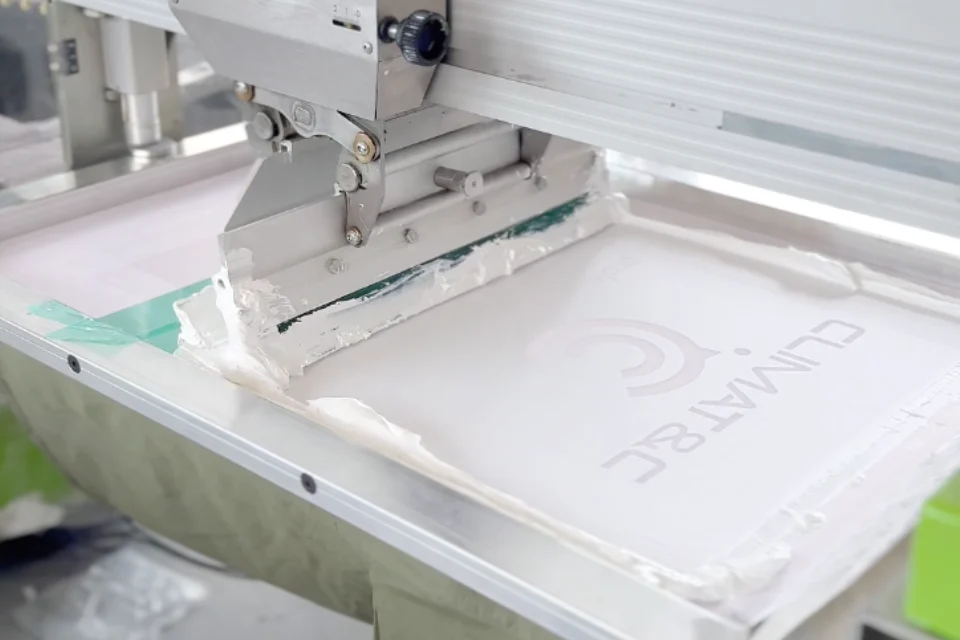
Screen printing

Screen printing

Compare screen printing for trousers with a repeated design when available. Consider colours, quantity and usable space without exceeding the offered area.

Screen-printing artwork guide
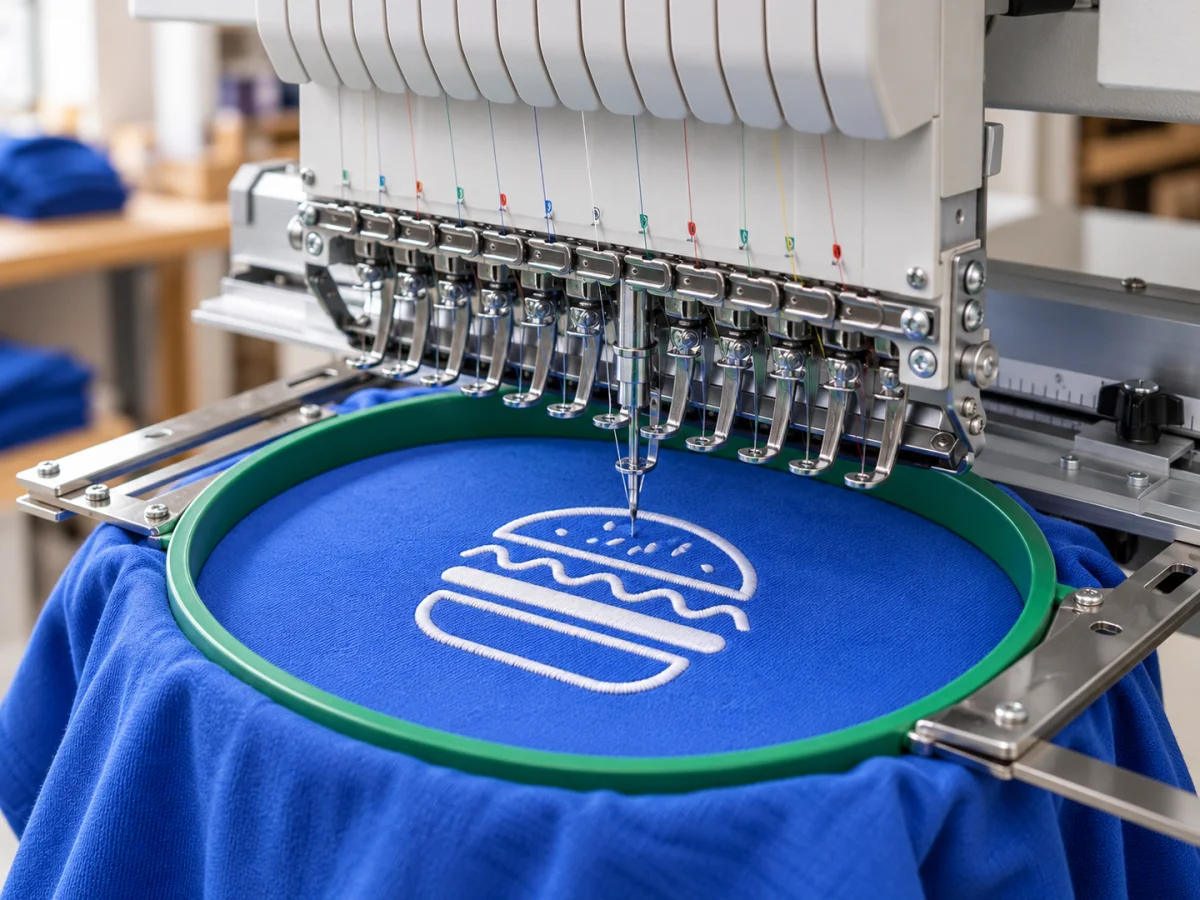
Embroidery

Embroidery

An embroidered trouser logo must remain readable in a limited area. Check available placement and dimensions against pockets, seams and leg construction.

Embroidery artwork guide
From choice to artwork proof

How to order personalised trousers

Start with the pair of trousers: Waist and style measurements. Your quote summarises the choices; the artwork proof lets you check placement and dimensions before approval. 🎨
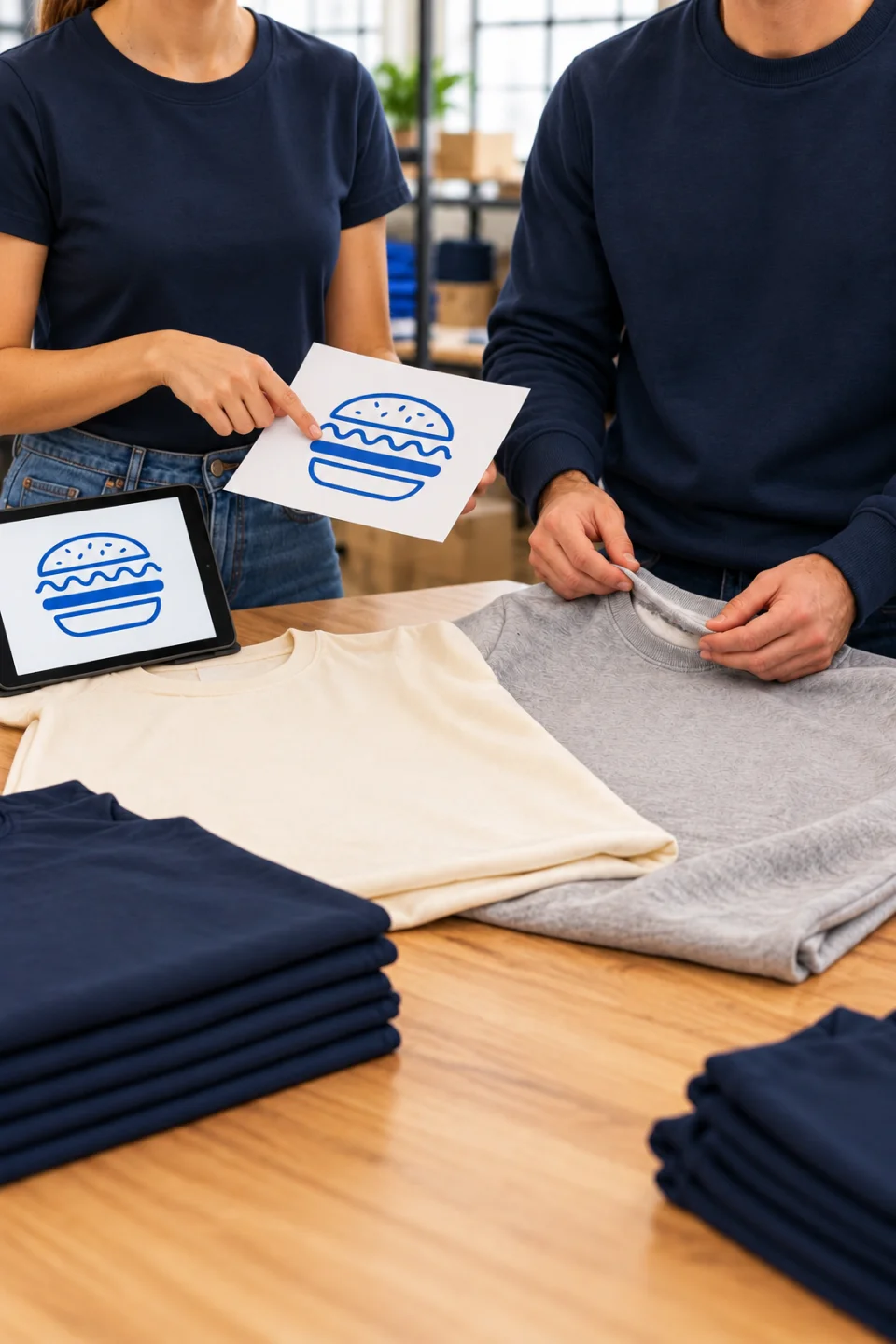
  1. Choosing blank garments before personalisation

    Choose the style

    Compare trousers and their size charts. Waist and style measurements.
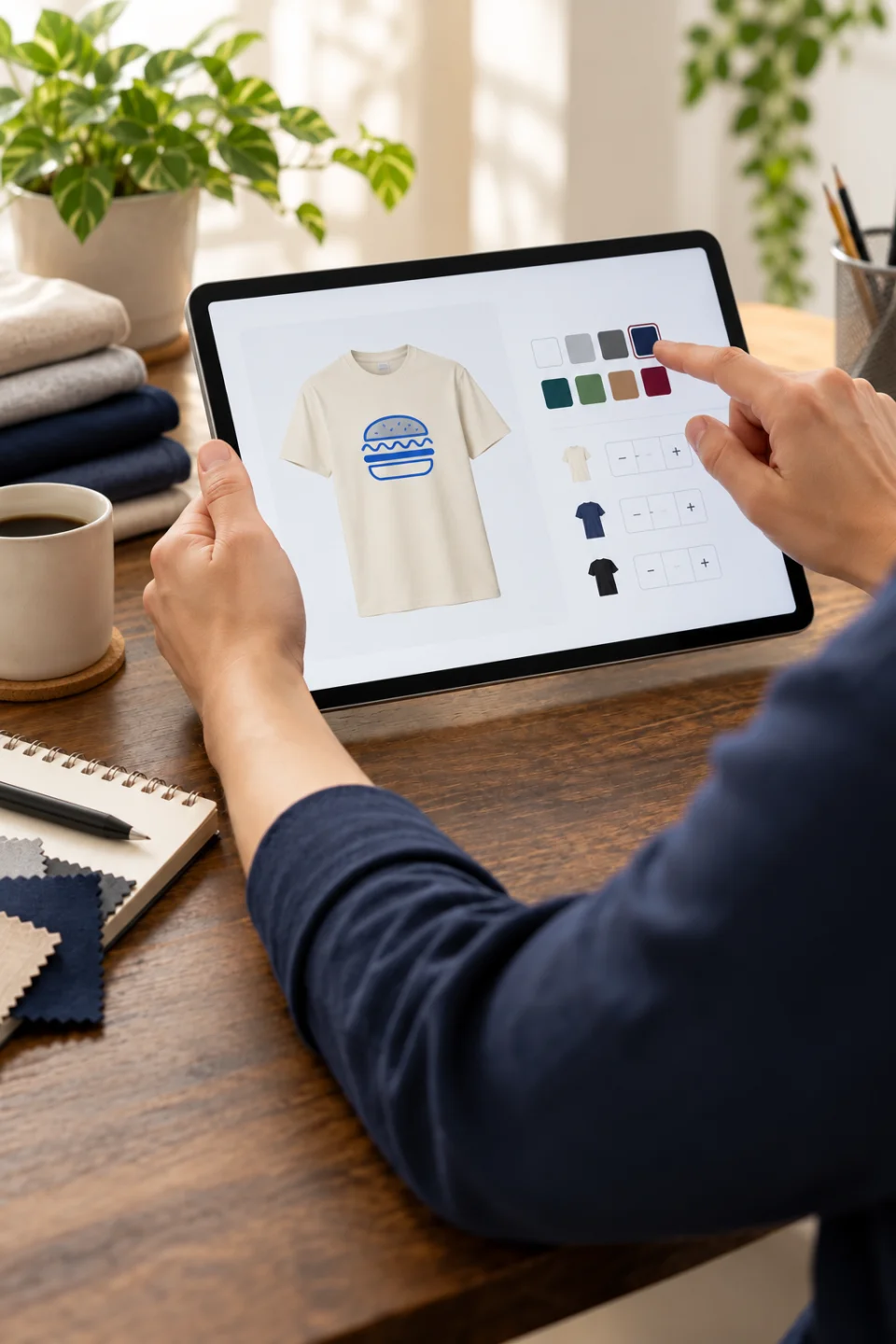
  2. Quote on a tablet with a cream T-shirt and blue logo

    Configure your quote

    Select quantities, sizes and colours for your trousers. Check the available techniques, positions and quote total.
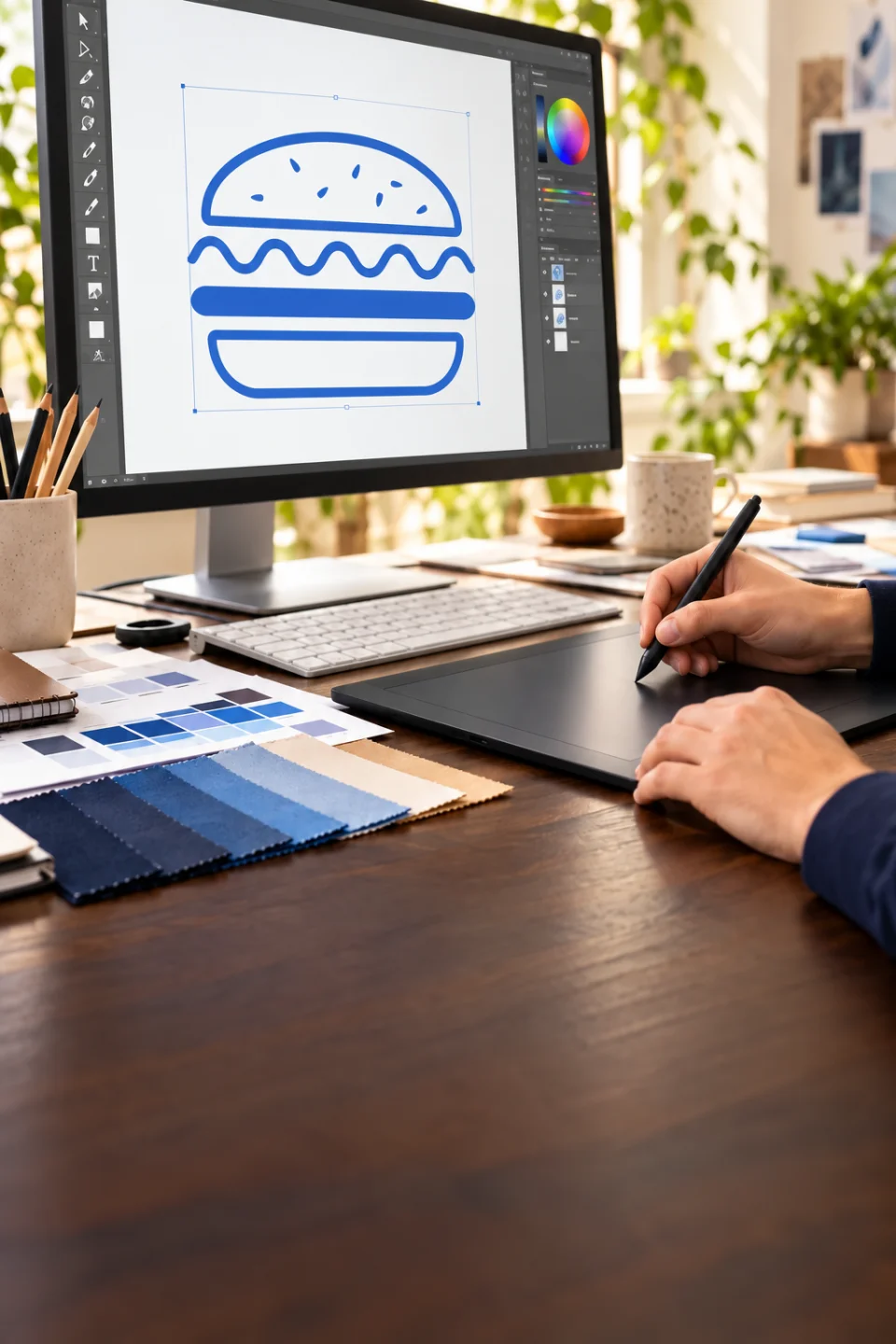
  3. Preparing the blue logo on a monitor

    Prepare the artwork

    Prepare the logo for the chosen technique using the artwork guide. An on-screen preview does not replace the artwork proof.
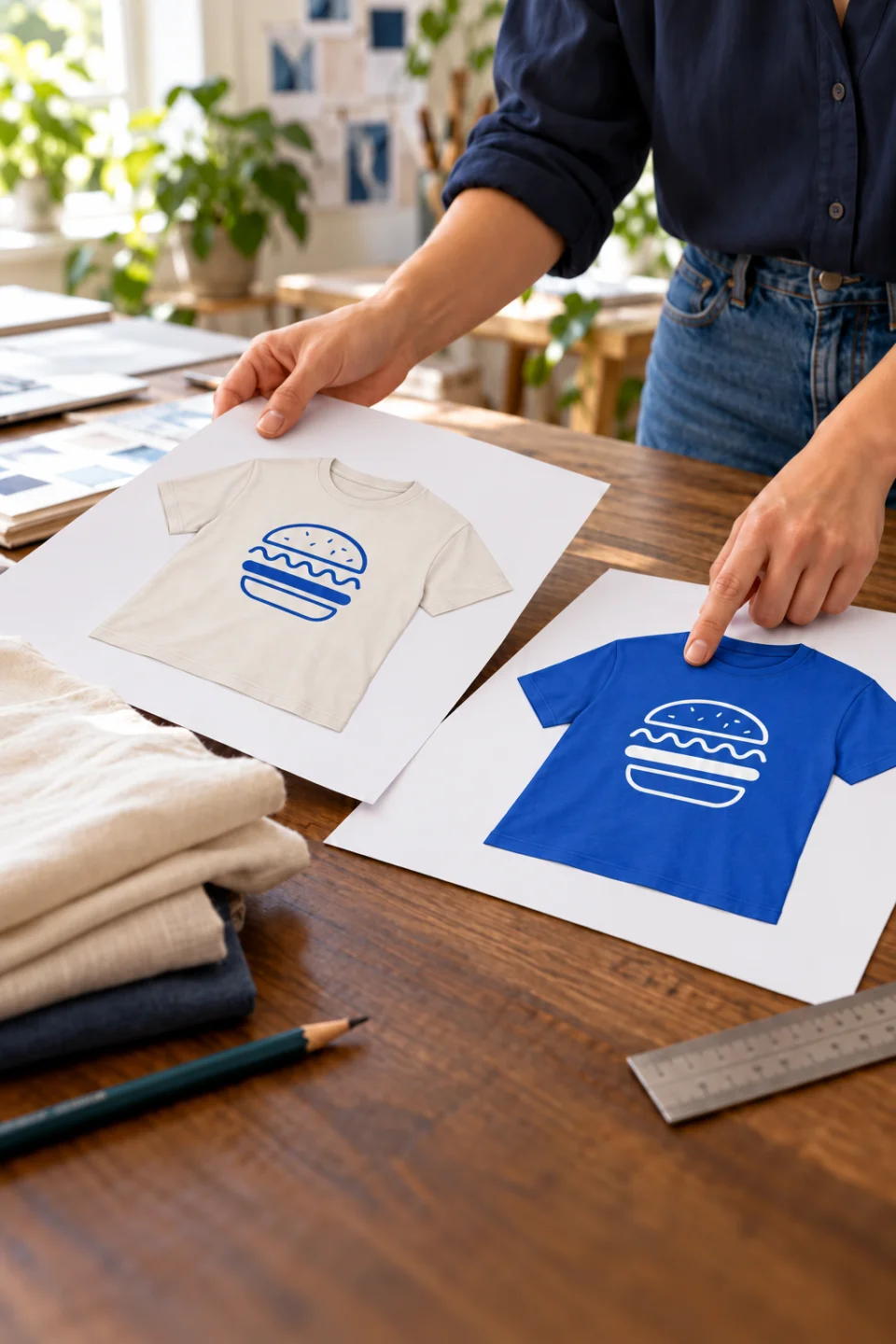
  4. Checking two paper proofs: cream garment with blue logo and blue garment with white logo

    Check the proof

    Check text, dimensions and logo position on the selected sizes. Request any changes before approving.

The right questions

Questions about personalised trousers

How can I get a quote for trousers with my logo?

The price of personalised trousers depends on the style, quantity, technique and number of decoration positions. Use the configurator to set every detail and get an immediate, free quote.

Can I order a pair of trousers sample before ordering for the team?

Yes. Buy a sample from the product page to assess the pair of trousers. Waist and style measurements. Some techniques also allow personalisation from one piece: DTF starts at 1 where compatible. Check the options for the style and configure the sample online for an immediate, free price.

Which technique should I choose for my logo on trousers?

The artwork file, its detail and the quantity of trousers determine the choice. DTF starts at 1 piece and suits complex, multicolour designs. Screen printing starts at 50 pieces and is economical for larger runs, especially simple single-colour designs. Embroidery starts at 5 pieces and gives a premium finish, but costs more and has technical limits on fine detail. Trousers offer different logo areas from tops. Review leg construction, pockets and available dimensions before choosing a technique. Our support team can help assess your logo.

Can I use trousers for my own brand?

For rebranding, look for trousers without a manufacturer label among the available styles. They often retain only a size indication. Check the product details before choosing: adding your own label or printing in the label area depends on the trouser construction and available techniques, and is not possible on every style.

Can I mix sizes, colours and styles of trousers?

Yes. With the same decoration job and artwork file, you can combine products, genders, sizes and colours without a surcharge for the mix (a small supplement applies to sizes above 3XL). The quantity discount is calculated on the total pieces in that job. For your trousers, compare waist and leg measurements. Check that the same technique and position work on every selected style.

Can the artwork change within one order of trousers?

For screen printing, all trousers in the same job must use the same design; the paid colour-change service lets you change a printing colour on part of the run. With DTF, the paid artwork-change service allows different designs while retaining the discount on the total quantity in the job. Embroidery keeps the same design; any thread-colour changes must be agreed with support. Available extras can be selected and purchased in the online configurator.
Need help?
We are here for you, every day
Contact us ✉️